


Best Grow a Garden Discord Channels to Join Right Now
10.08.2025 - 12:39:05
Game Guides , Grow a Garden , Roblox

Grow a Garden is difficult if you plan to do everything on your own. Luckily, the game has a large and helpful community that you can keep in touch with.
Luckily, there are plenty of Grow a Garden Discord channels that you can join right now. Each of these channels serves a specific purpose and can be very helpful regardless of what your need is. There are many options to choose from, but if you need help finding the best, we'll assist you.
Another way you can help max out your garden fast is by checking out our store here. We've got Grow a Garden Sheckles, plants, and more that you can get your hands on at a reasonable price! Now, let's take a look at the best Discord channels for the game.
Official Grow a Garden Discord
The official Grow a Garden Discord channel is obviously one of the first communities you should jump into. This is made by the developers of the game and is moderated by them as well. This channel contains everything that you need for the game in terms of updates, so it's best to hop in.
What's great about this channel is that the developers themselves are in it too. If you're lucky, you have the chance to talk to the developers themselves and ask them about the game directly. Most of the updates and upcoming events are announced here so it's good if you hate missing out on things in the game.
Grow a Garden Stocks and Weather Updates
There are two very important things to be updated about in the game: the stocks in the store and the weather. Knowing the stocks in the store is important if you want to get the best crops in the game. The weather forecast is just as important because you need to be aware of when's the best time to up your gardening efforts.
The Grow a Garden Stocks and Weather casting channel isn't officially made by the developers. It's made by a community of players. It will show you everything you need to know about the game in terms of store contents and the upcoming weather 24/7. In all honesty, this channel can set you up for life in the game.
Grow a Garden Trading
Trading isn't officially in the game yet. But the Grow a Garden Trading Discord makes that possible. While you can't trade in the game directly, you and other players can send out gifts to each other, so technically, you can trade with them.
This Discord channel is primarily focused on making sure that there are fair and safe trades between players. Of course, there are still going to be some scammers inside this channel so make sure to vouch for your trades before participating in them.
Grow a Garden Community
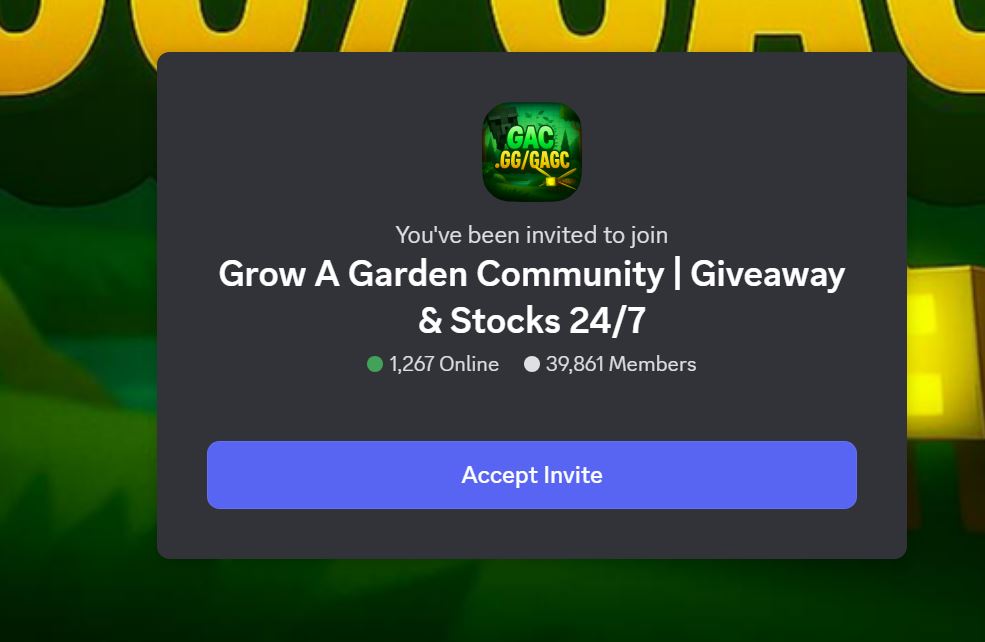
Last but not least, we've got Grow a Garden Community. This is a community that also monitors stocks in the game, but most importantly, this is the most generous when it comes to giveaways and freebies.
Things like seeds, Shekels, eggs, and a lot more are given away for free from time to time inside this Discord community, so make sure to have your alerts for it up and running. While giveaways are common, they're still on a first come first served basis so it's best to be quick about it.
Dos and Don'ts When Joining Grow a Garden Discord Channels
Before you go, it's important that you keep a few things in mind when joining Grow a Garden Discord channels. This isn't just for Grow a Garden; these apply to all online communities.
Do Be Kind
Treat others in the community as you'd want to be treated. Don't come off as a snobbish person when everyone else in the community is having fun. Keep in mind that Grow a Garden isn't a competitive game in the first place. There's no place to be rude or bad towards others.
It's very likely that most of the players in the community were just there to play the game and have fun. It's also worth noting that most of these communities have rules and guidelines to follow. If you act badly towards other players, there's a chance that you'll be kicked out of the channel.
Don't Share Personal Information
While there are a lot of kind and welcoming players in the community, there are going to be some bad eggs mixed in. Being rude to you is one thing, but compromising your security is another. And here we come to an important tip: DO NOT SHARE PERSONAL INFORMATION ONLINE.
It doesn't matter how these people present themselves; do not share things like card numbers, addresses, or anything else. No person who wants to do good will want you to share this information with them. If someone does reach out asking for these, simply ignore them. Report them as well if you think they're up to no good.
Do Only What The Community Is For
There's a dedicated community for various purposes in Grow a Garden. Only use the community you're in for what it's dedicated to. For example, if it's the Grow a Garden shop stock updates channel, only talk about that and nothing else.
Obviously, this isn't exactly a bad thing, but it's good etiquette to keep the discussion within the range of what the community is for to avoid confusion.
Don't Forget To Have Fun
One of the things that most people forget when playing is having fun. These communities aren't there to hurt or belittle others. They're there to help others and let the community grow as big as possible.
The essence of Grow a Garden isn't to have the best garden out of all of your friends. It's to enjoy the game and relax as best as possible.
Join Grow a Garden Communities
Make sure to stay safe online as you join these communities. There are still a few bad eggs alongside the people in these communities, and you'll need to be mindful of who you talk to. There are lots of other things to do in the game still, but for now, you might want to focus on the Grow a Garden Zen event.
FAQs
Does joining a Grow a Garden Discord channel get me banned?
No, it does not. Discord is an app outside of Roblox, so any and all activities that happened there aren't a part of your actions in Grow a Garden. However, keep in mind that you can get kicked out of Discord channels if you don't abide by their rules.
How many Grow a Garden Discord channels can I join?
You can join up to 100 servers/channels in Discord. Once you hit this limit, you're going to have to leave some of the channels that you're joined in to make room for some more. If you subscribe to Discord Nitro, you can bump the limit up to 200.
Can I connect my Roblox Grow a Garden account to Discord?
Not Grow a Garden specifically, but you can connect your Roblox account to Discord. This will let your Roblox name be on display while on Discord. It will also show what games you're currently playing.