


How to Join Grow a Garden Discord
08.08.2025 - 21:58:57
Game Guides , Grow a Garden , Roblox

Do you want to join the official Discord server for Roblox Grow a Garden? If so, you have come to the right place!
Today, I am going to provide you with step-by-step instructions so that you can join one of the most thriving Roblox Communities out there.
Before we begin, I want to invite you to our Grow a Garden Store, where you can find rare seeds, pets, and lots of Sheckles to satisfy your Roblox GAG needs. We offer these things at heavily discounted prices, so don't delay! Visit us today!
How to Join the Official Discord Server for Grow a Garden
The first thing that you need to do is go to the official Discord website so that you can download the software. After downloading, install the program and fire it up.

After that, you will be shown the initial screen, where you can register for an account. If you already have a Discord account, simply log in using your credentials to get started.
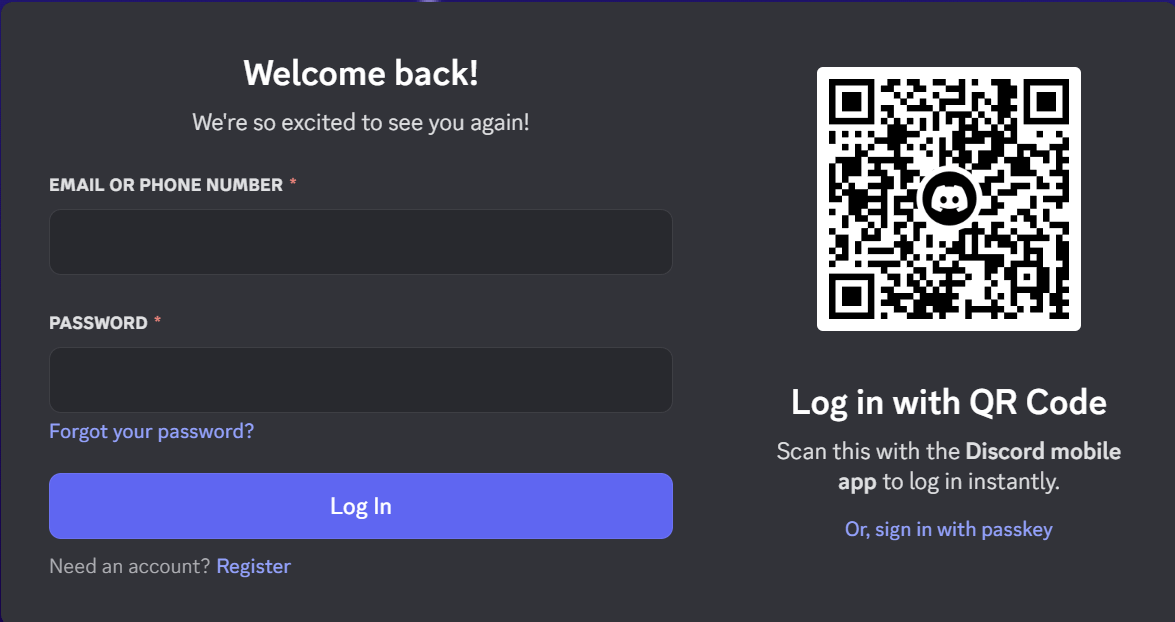
If you don't want to install the software on your PC, you can log in using the Discord Web app instead. Just click on the "Open Discord in your browser" button found on the landing page of the website.
When you click it, you will be asked for a display name, which you should provide if you want to proceed. The next steps involve asking for some personal details, including your birthday, email address, etc.

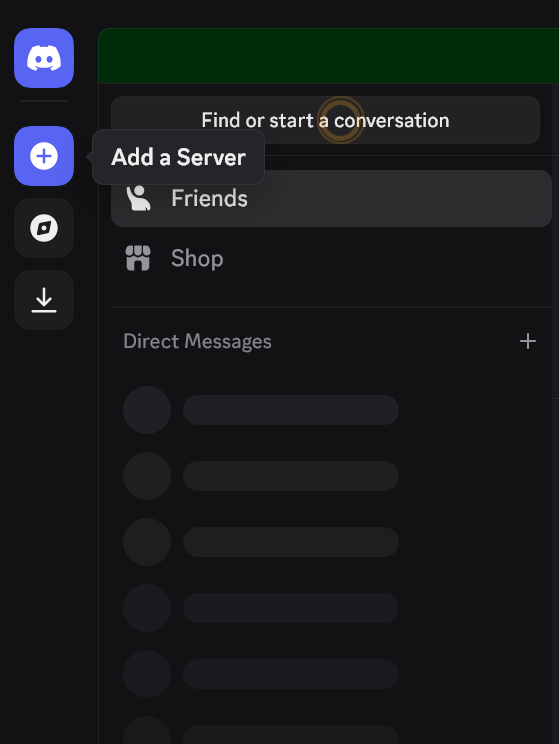
After you have logged into your Discord account, the next step is to click the "Add Server" button on the left side of the app. It is relatively easy to spot because it has a "+" symbol on it.
If you are using Discord on mobile, it's actually the same thing, though the plus icon looks green instead of white.
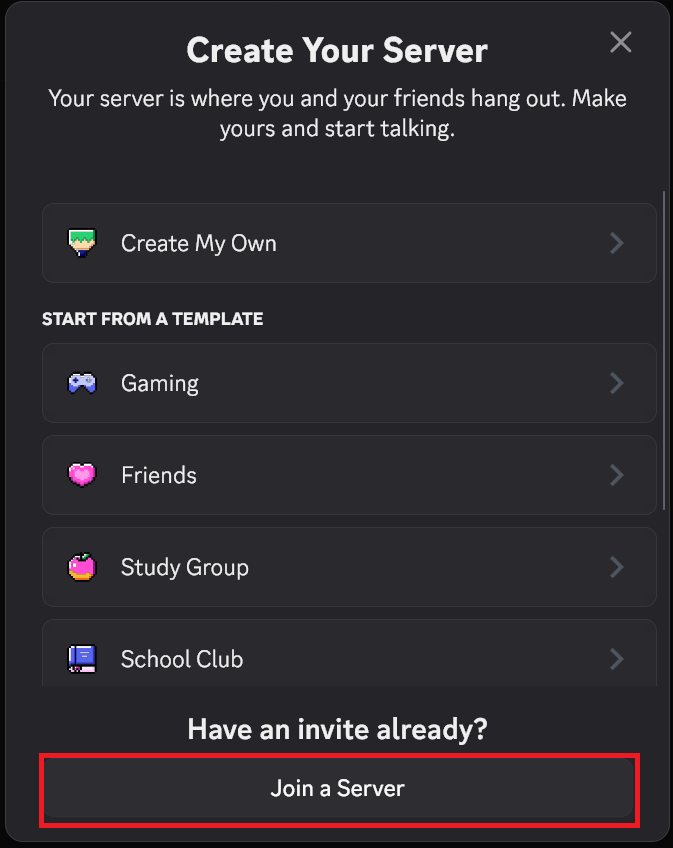
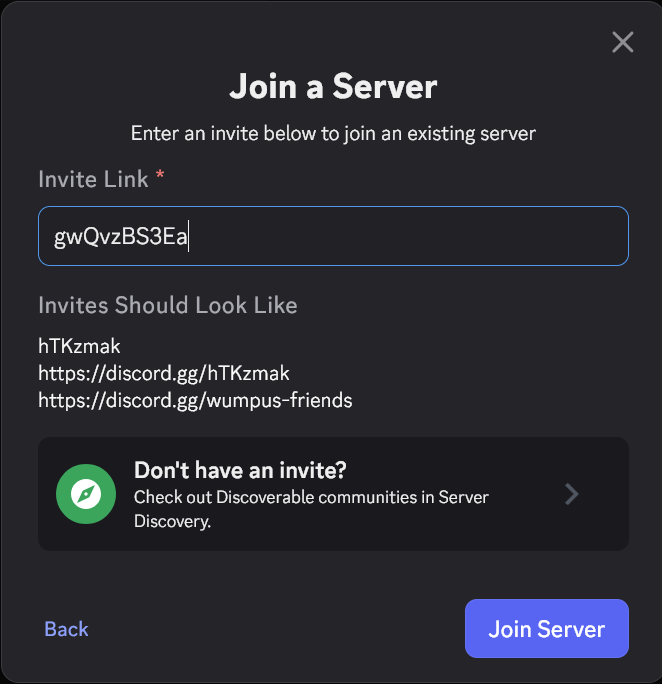
Once that is done, click on "Join a Server" on the menu that pops up shortly after.
On the next screen, type "gwQvzBS3Ea" (without the quotes) and then click on join server. Alternatively, you can just copy and paste it into the field as shown in the image below:
After that, you should be inside Grow a Garden's official Discord community!
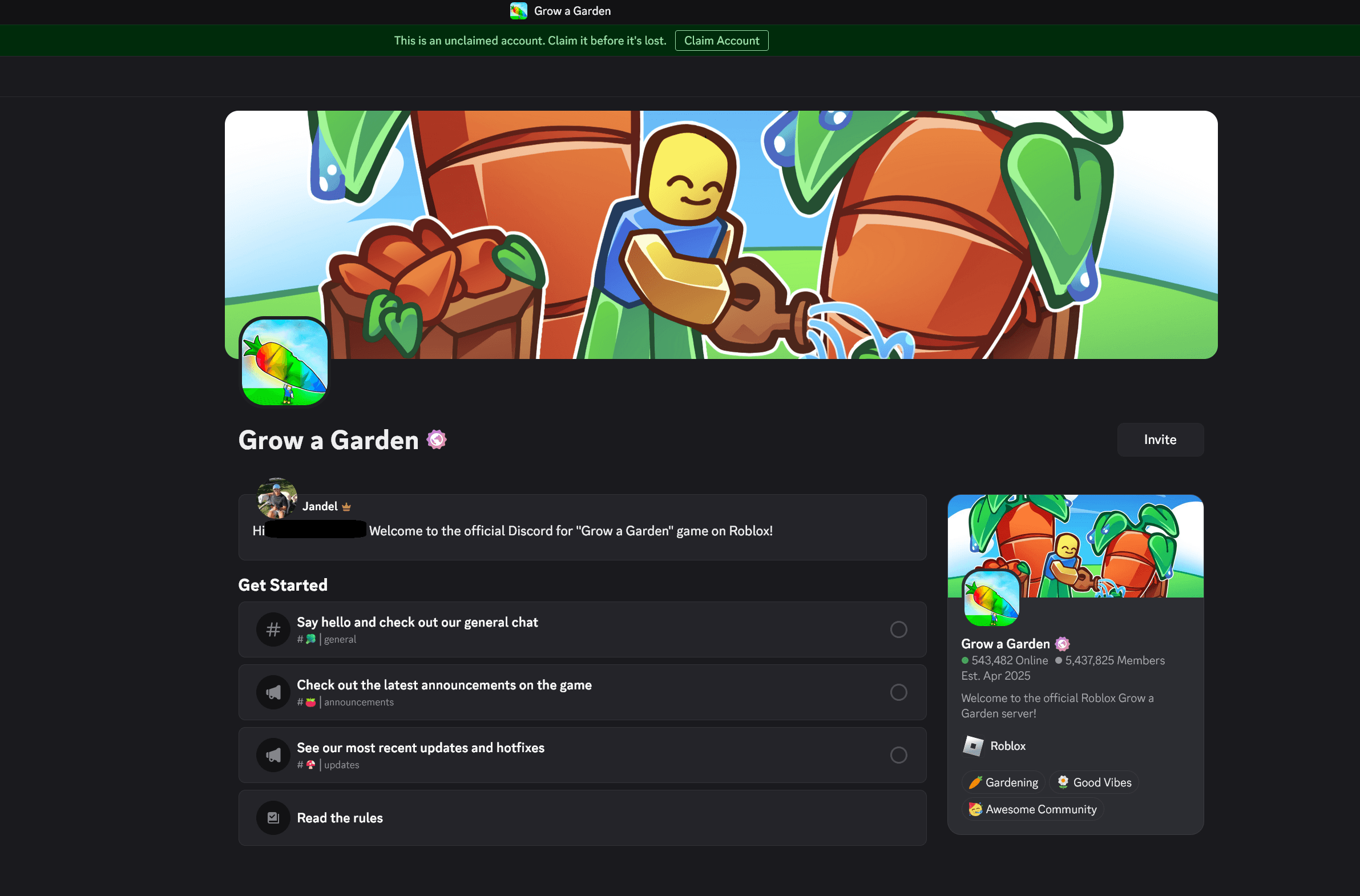
Here are the full instructions on how you can join the official Discord Channel for Roblox Grow a Garden in a nutshell:
- Download the Discord installer onto your computer (or app on your mobile device)
- Fire up the program
- Register for an account
- Click on "Add Server"
- Input the special code to join the Grow a Garden Discord
- Enjoy!
The Best Channels in Grow a Garden Discord
Okay, so now you are in. What next? Well, there are a few channels that you need to be acquainted with. The first one that you need to know about is the Announcements channel. This is where you'll find any news about upcoming events in Roblox Grow a Garden.
At the time of writing this article, the developers are holding a Kitchen Storm Event, where you will have a chance to get new event-specific seeds, pets, and possibly rare mutations for your crops.
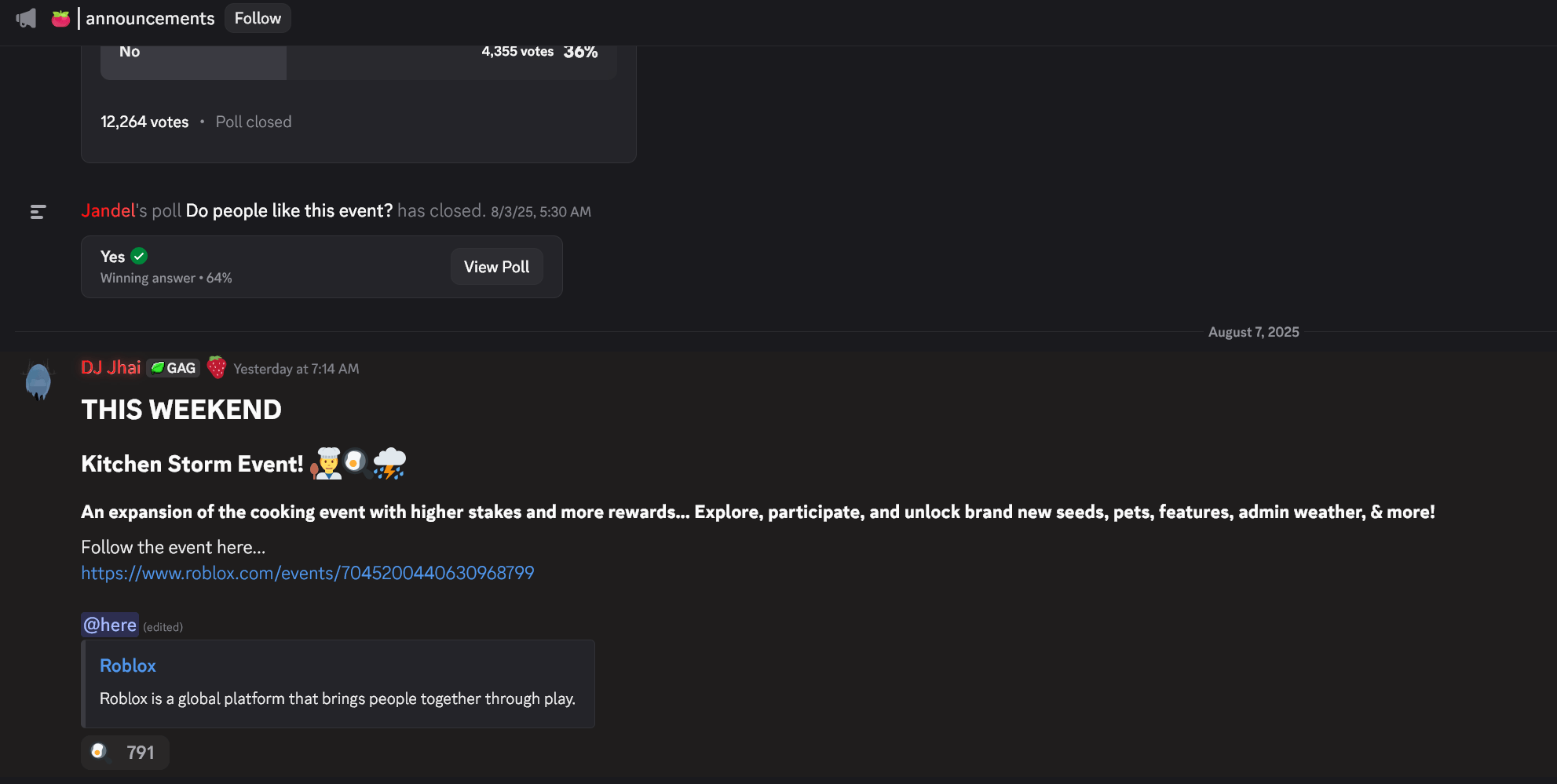
The "Announcements" Channel on Grow a Garden Discord
The next channel that is worth visiting is the looking for section. This is where you'll find people who want to trade various items in the game. You can post a message here if you are searching for rare seeds and pets that are currently not obtainable in the shops anymore.
Before you can initiate a trade with other Grow a Garden players, you must have a Trading Ticket with you. It is a relatively new item that costs 100,000C in the in-game Gear Shop, though it's only sold in limited quantities.
If you want more, you can buy Trading Tickets in our Grow a Garden Store.
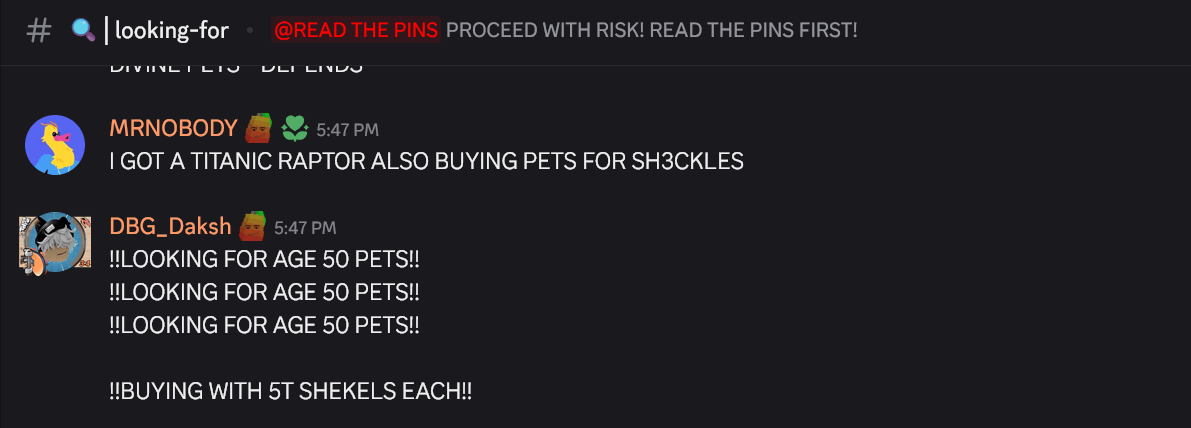
The "Looking for" Channel on Grow a Garden Discord
The last Discord channel that I recommend you check out is questions-and-help. As you can tell by the name, this section offers a platform for beginners to ask questions. In most cases, queries will be answered in a timely manner, with excellent advice from the veterans of the game. However, you'll occasionally run into some people who are not eager to help you in any way.
Why Join the Roblox GAG Discord?
The official Discord server for Grow a Garden is a great way for you to get in touch with the community. In some instances, people will host private servers, which you can join if you ask nicely.
In addition, the Grow a Garden Discord is a good place to get official announcements from the developers themselves. You can also get the latest information about Roblox GAG from our RPGStash Blog!
With all of that said, have you joined the official Discord Server for Roblox GAG? If so, which channel do you frequently visit and why? Let us know in the comments!